The best free trading journal
The genuinely free way to journal well isn't a stripped-down app — it's a great template. Here's the best free option, plus the paid tools worth trying free.
Free download · Updated November 2026
See what's inside
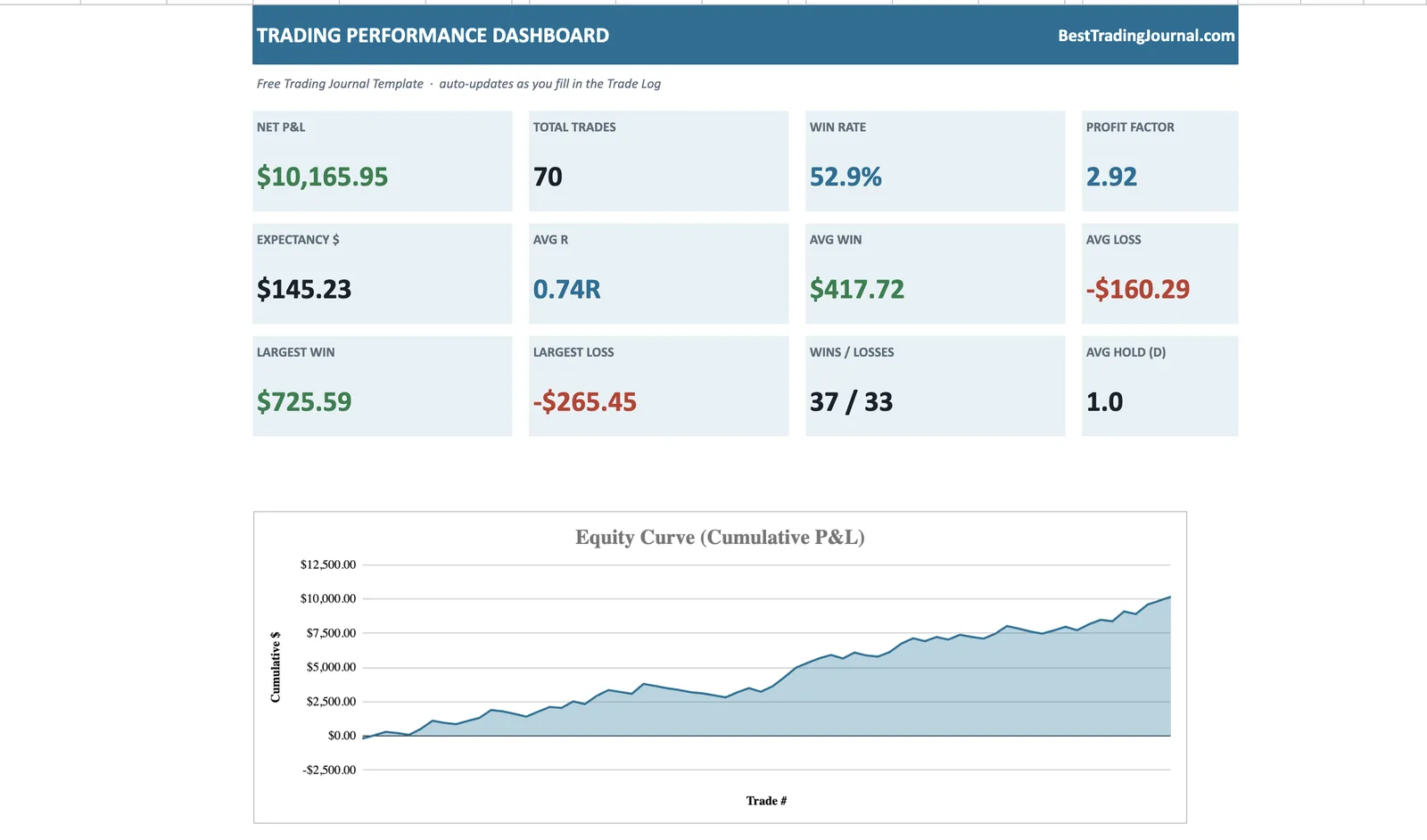
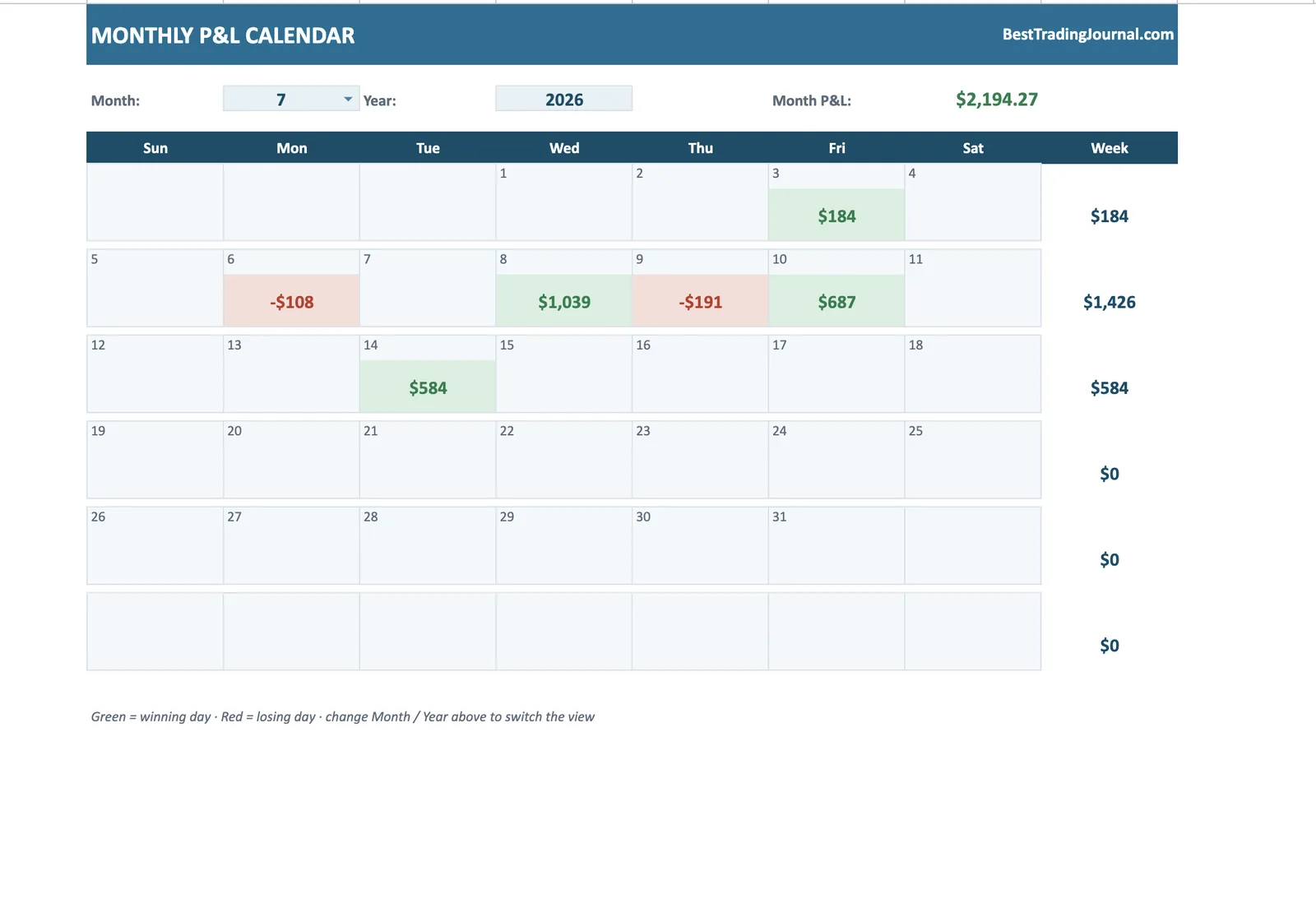
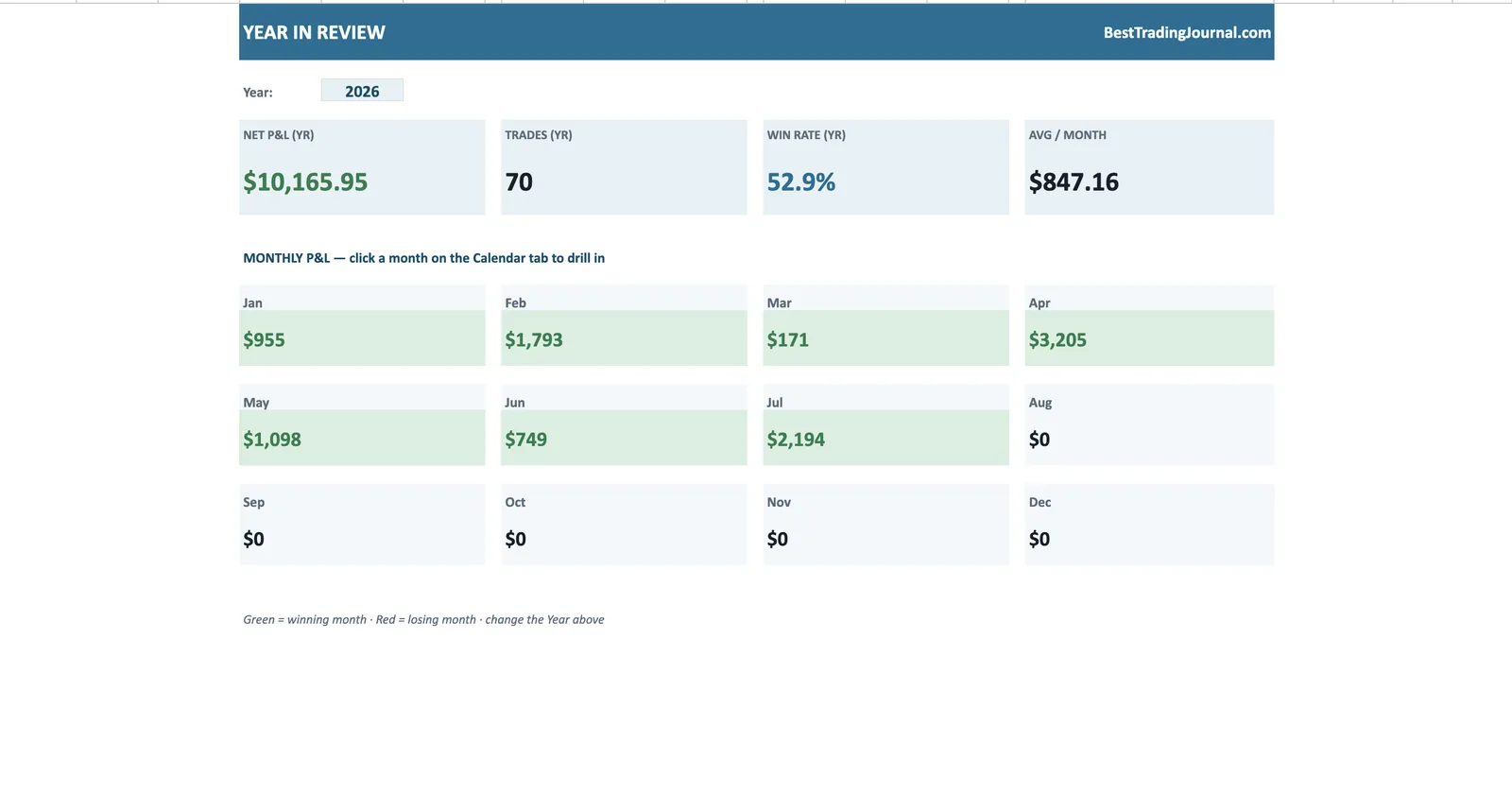
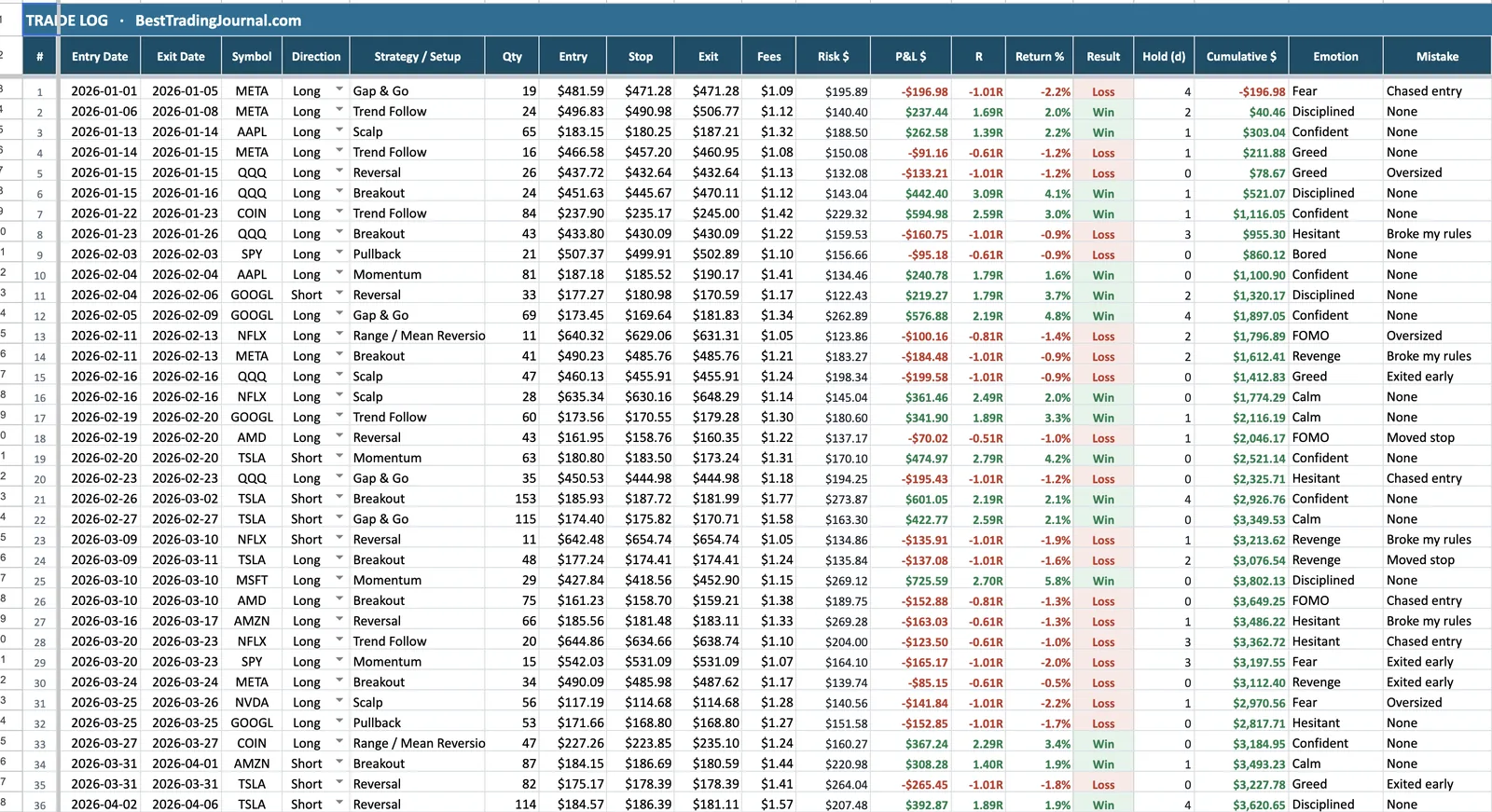
What free actually buys here: a dashboard, calendar and heatmap most platforms put behind a subscription.
Get the best free trading journal template
Enter your email and we'll send the free, self-calculating template — Excel or Google Sheets.
No spam. Just the template — free.
"Free" in trading-journal software usually means a crippled tier: a hard cap on trades, locked analytics, and a constant nudge to upgrade. You end up with a demo, not a journal.
The genuinely free option is a well-built spreadsheet template — no trade limits, no locked features, no clock. Ours gives you the full analytics suite for nothing, and for most traders it's all you'll ever need.
The best free option: a professional template
Our template is free, unlimited and complete. It auto-calculates R-multiple, win rate, profit factor and expectancy, draws a live equity curve, and includes a monthly P&L calendar — the exact features the "free" tiers of paid apps hold back. Because it's a file you own, there's no account, no trade cap and nothing to expire.
Every free trading journal option compared
Here is what each option gives you for $0, and what it costs to go further. App details come from our reviews of the five journals in our 2026 rankings, with prices checked in September and October 2026 - confirm on the vendor's site before you buy.
| Option | Free access | What you get for $0 | Main limit | Cheapest paid plan |
|---|---|---|---|---|
| Our spreadsheet template | Free forever | The full self-calculating template: metrics, equity curve, P&L calendar | Manual entry or a pasted CSV; no broker sync | None - it stays free |
| TradeOlogy | Free-forever plan | Unlimited manual entry and CSV import, the full analytics dashboard and all six report categories; no card required | Live broker auto-sync needs Pro | Pro Starter: $15/mo, or $12/mo billed annually (7-day Pro trial) |
| Tradervue | Free-forever plan | Up to 30 trades a month with broker import, community features and automatic charts | Stocks and ETFs only; no full report suite or commission tracking | Silver: $29.95/mo (monthly billing only) |
| TraderSync | 7-day free trial | Any of its three tiers during the trial | No free plan once the trial ends | Pro: $29.95/mo month-to-month |
| Edgewonk | 14-day money-back guarantee | Nothing up front - you pay, then can ask for a refund within 14 days | No free plan, no trial, no monthly option | $197/year |
| TradeZella | None | No free plan and no free trial | Trying it means paying for a month | Essential: $35/mo, or $26/mo billed annually |
Free plan, free trial or money-back guarantee?
The word "free" covers three very different deals, and it pays to know which one you are signing up for:
- A free plan never expires. You keep using it at $0 within fixed limits - a monthly trade cap on Tradervue, no broker auto-sync on TradeOlogy's free tier.
- A free trial gives you the paid product for a set time: 7 days on TraderSync, and 7 days of TradeOlogy Pro. Log real trades during it, or the trial teaches you nothing.
- A money-back guarantee is not free. Edgewonk charges $197 up front and refunds you if you ask within 14 days - put a reminder in your calendar the day you buy.
- No free access at all means your first paid month is the trial. With TradeZella that is $35 for Essential, or $59 if you want Trade Replay and the Zella AI agents on Pro.
How fast a 30-trade monthly cap runs out
Tradervue's free plan is roomy for a swing trader and tight for anyone active. A cap of 30 trades a month sounds like plenty until you divide it by how often you trade:
A calendar month has 20 to 23 weekdays, so at one trade a day the cap is never reached.
View data table
| Trading frequency | Trading days |
|---|---|
| 1 trade a day | 30 days |
| 2 trades a day | 15 days |
| 3 trades a day | 10 days |
| 5 trades a day | 6 days |
| 10 trades a day | 3 days |
At two trades a day the allowance lasts 15 trading days, about three weeks; at five a day it is gone after 6 trading days. If that sounds like you, a free option without a trade cap - our template or TradeOlogy's free tier - fits better, and our TradeOlogy vs Tradervue comparison sets the two side by side.
Free trials of the paid tools
If you want automatic broker sync, trade replay and cloud dashboards, the paid platforms deliver — and most let you try before you buy. The smart move is to run the free template now and trial a paid tool when you're ready to compare it against what you already have.
Our top-rated pick offers a free trial and undercuts the big names on price, so it's the natural first tool to test when you outgrow the spreadsheet.
What the cheapest paid plans cost for a year
When you do outgrow free, entry prices differ more than the headline monthly figures suggest. Here is the cheapest paid plan of each journal in our rankings, priced for twelve months:
Annual billing where offered. TradeOlogy: $12/mo billed annually; TraderSync: annual, listed sale price; Edgewonk: flat $197/year; TradeZella: $26/mo billed annually; Tradervue: $29.95/mo, no annual plan. From our reviews, checked September-October 2026.
View data table
| Plan | Cost for 12 months |
|---|---|
| TradeOlogy Pro Starter | $144 |
| TraderSync Pro | $179.64 |
| Edgewonk Single plan | $197 |
| TradeZella Essential | $315 |
| Tradervue Silver | $359.40 |
Price is only half the comparison, because the plans include different things. TradeOlogy's Pro Starter auto-syncs two brokerage accounts; TradeZella's Essential plan connects one account and leaves out Trade Replay; Edgewonk's single plan includes every feature but auto-syncs only MetaTrader 4/5. Our TradeZella alternatives page goes deeper on value for money.
When to upgrade from free
Stick with the free template until you feel a specific limitation — usually manual entry becoming a chore at higher volume, or wanting to replay trades bar by bar. That's the moment paid software earns its cost. Until then, free really is enough.
How to pick the best free trading journal for you
Match the option to how you trade:
- You trade stocks a few times a week and value feedback from other traders: Tradervue's free plan fits inside its 30-trade cap and includes community access.
- You want every metric with no limits and full control of your data: the free spreadsheet template, in Excel or Google Sheets.
- You want app-style analytics without paying and don't mind importing CSVs: TradeOlogy's free tier.
- You need hands-off broker sync from day one: no free plan does that, so trial TraderSync or TradeOlogy Pro for 7 days each and keep the one you actually open.
New to journaling altogether? Our pick of the best trading journal for beginners narrows the field further.
Outgrown the spreadsheet? Try TradeOlogy
The other genuinely free option is TradeOlogy's free tier - unlimited manual entry, CSV import and the full analytics dashboard. Run it beside the spreadsheet and keep whichever earns the habit.
Keep reading
Best Free Trading Journal — FAQ
What's the best free trading journal?
For most traders, a complete, self-calculating spreadsheet template beats the free tier of any app — it has no trade limits and no locked analytics. Ours is free and includes the full dashboard, charts and P&L calendar. If you would rather use an app, TradeOlogy's free tier is the most generous we tested, with unlimited manual entry, CSV import and full analytics.
Are the free tiers of trading-journal apps any good?
They're usually limited — a small monthly trade cap and reduced analytics designed to push you to a paid plan. Fine for a quick look, but a good template gives you more for free. The exceptions are worth knowing: Tradervue's free plan covers 30 trades a month for stocks and ETFs, and TradeOlogy's free tier has no trade cap and keeps the full analytics dashboard.
Is your free template actually unlimited?
Yes — it's a file you own, so there's no trade cap, no locked features and nothing to expire. Log as many trades as you like. It also works offline in Excel, and you can keep separate copies for different accounts or strategies without paying for extra seats.
When is it worth paying for journaling software?
When manual entry becomes a chore or you want automatic broker sync and trade replay. Until you hit a specific limit, the free template does the job. When you do pay, the cheapest plan in our rankings is TradeOlogy Pro Starter at $15 a month, or $12 a month billed annually.
Is there a completely free trading journal app?
Yes. Among the journals we rank, TradeOlogy and Tradervue both have free-forever plans. TradeOlogy's includes unlimited manual entry, CSV import and the full analytics dashboard; Tradervue's covers up to 30 trades a month for stocks and ETFs. Neither free plan includes live broker auto-sync, and TraderSync, TradeZella and Edgewonk have no free plan at all.
Does TradeZella have a free trial?
No. TradeZella has neither a free plan nor a free trial, so trying it means paying for a month: $35 for Essential month-to-month, or $59 for Pro if you want Trade Replay and the Zella AI agents. If starting free matters to you, TradeOlogy and Tradervue both have free plans - see our TradeZella alternatives.
Is Tradervue free?
Tradervue has a genuine free plan that never expires, but it is capped at 30 trades a month and covers stocks and ETFs only, without the full report suite or commission tracking. Removing the cap means Silver at $29.95 a month; Gold at $49.95 adds commission and fee support, exit analysis and risk reports. Our Tradervue review has the details.