
Ranked #5 of 5 · Reviewed July 2026
Tradervue Review
One of the longest-running journals, known for its trader community and sharing features - showing its age in places.
Quick verdict
Tradervue remains a solid, dependable journal with a genuinely useful community. If mentorship and trade-sharing matter most to you, it is worth a look - but on raw features per dollar, it has been overtaken.
What is Tradervue?
Tradervue is one of the oldest names in the trading-journal world. Launched around 2011 by an engineer who had already built and sold a successful software company, it arrived when almost nobody thought of a trade log as a dedicated web application. Back then, traders kept spreadsheets, paper notebooks, or a messy folder of broker screenshots. Tradervue's pitch was quietly radical for its time: import your executions, generate the chart automatically, and write down what you were thinking, all in one place. That head start is a big part of why the platform still carries weight among long-time traders.
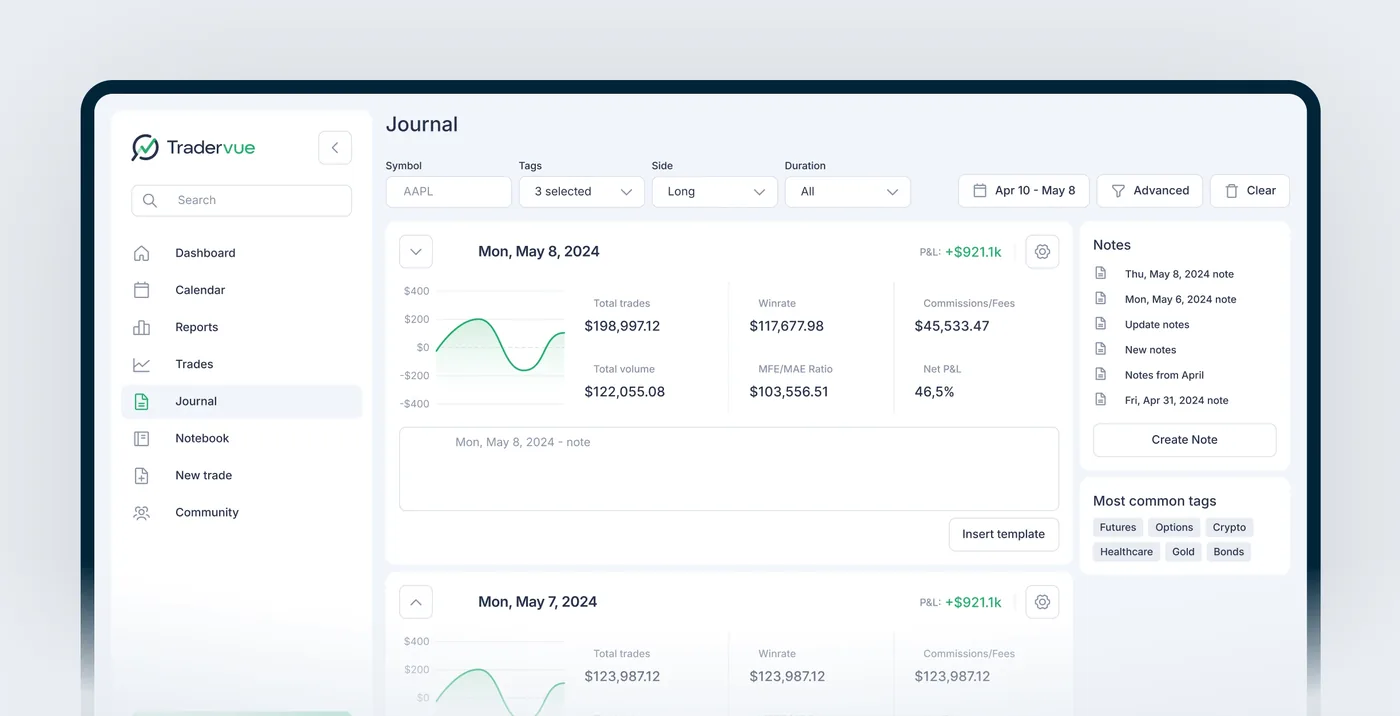
The product is web-based and community-minded at its core. It connects to a broad list of brokers, plots your entries and exits on automatically generated charts, and layers a genuine social element on top through public trade sharing, message boards, and mentor access. For traders who learn by watching how other people trade and getting feedback on their own executions, that combination is still fairly distinctive, and it is connective tissue competitors have found difficult to replicate.
Fifteen years on, though, Tradervue reads like a veteran that stopped training. The interface is functional but unmistakably dated, development has slowed, and the analytics that once felt cutting-edge now trail the field. There is no AI layer, no trade replay, no backtesting, and no mobile app. That is why we place Tradervue at number five in our rankings: a respected pioneer with real community value, held back by a feature set and a price structure that the rest of the market has moved past.
Key features
A Free Plan That Still Earns Its Keep
Tradervue's free tier lets you log up to 30 trades a month at no cost, with no credit card, no trial clock, and no expiration. That allotment includes broker import, community access, and the automatic TradingView charts that are one of the platform's better touches. For a swing trader placing a handful of positions, or for anyone who simply wants to find out whether the habit of journaling sticks, it is a legitimate way to get started rather than a crippled teaser.
It is worth being honest about the ceiling. Thirty trades disappears fast for an active day trader; take five positions a day and you are out of room inside a week. The free plan also withholds the deeper reporting, filtering, and automation that make a journal genuinely analytical. Still, as a zero-cost on-ramp it holds up, and it remains one of the few free offerings in the category worth naming. Our top pick, TradeOlogy, counters with a free-forever tier that does not meter you by trade count the same way, worth weighing if volume is a concern.
Automatic Charts and TradingView Integration
The strongest day-to-day feature is the charting. When a trade imports, Tradervue pulls the matching price data and builds an interactive TradingView chart with your entry marked in green and your exit in red, plotted at the exact price and timestamp. If you scaled in or out across several fills, each execution shows up on its own, so you can see precisely where you added to a winner or trimmed a position that was turning against you. It removes the tedium of screenshotting every trade by hand, which is exactly the kind of friction that quietly kills a journaling routine.
The charts are not just static pictures either. You get the standard TradingView toolkit layered on top, moving averages, VWAP, Bollinger Bands, RSI, MACD, plus trend lines, support and resistance levels, and Fibonacci retracements you can draw directly onto the candles. Those annotations save with the trade, so when you come back weeks later the full context of your reasoning is intact, and you can flip between one-minute, five-minute, hourly, daily, and weekly views on the same trade for painless multi-timeframe review.
The one real boundary is that this is strictly a post-trade tool. The charts are for review, not execution; you cannot set alerts or wire them into a live-trading workflow. Within that scope, though, the charting holds its own against far newer platforms, and it is the feature we would point to first when explaining why Tradervue still has defenders.
Reports and Performance Analysis
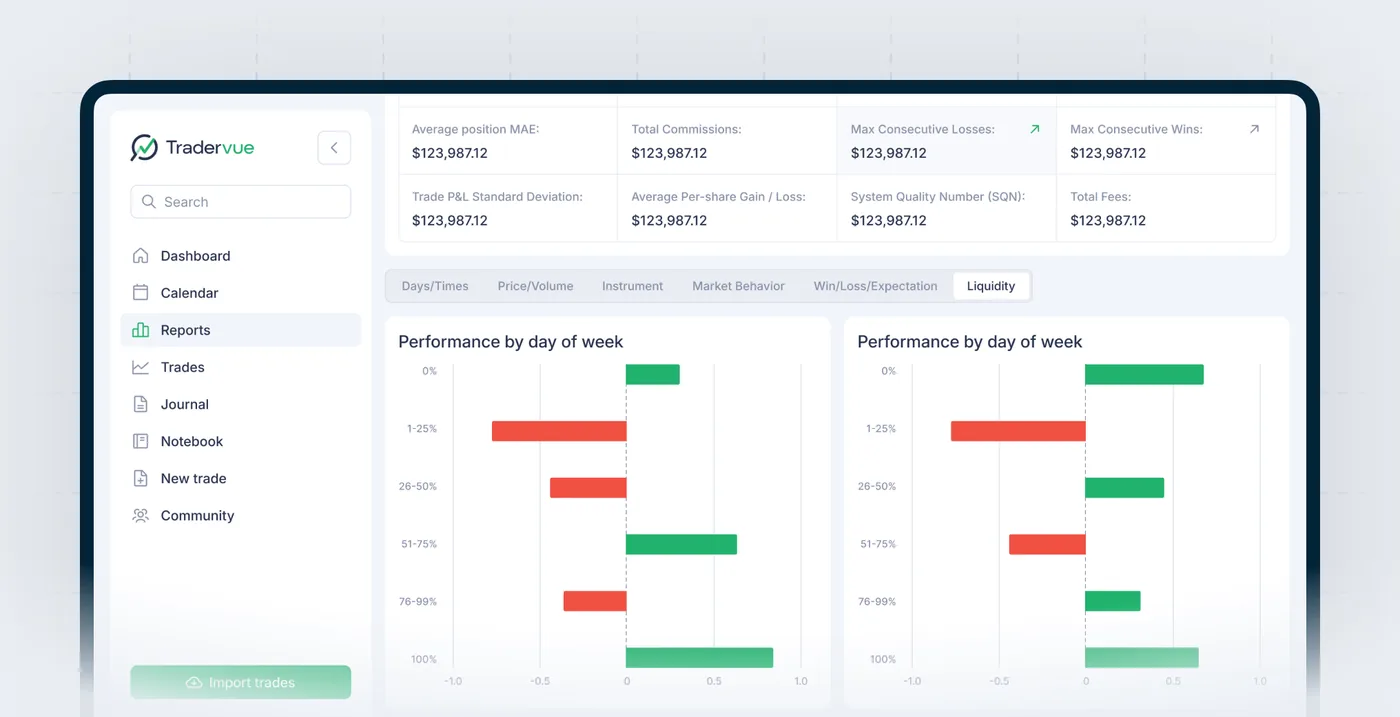
Tradervue's reporting covers the fundamentals competently. You can slice your results by day of the week, by time of day, by how long you held a position, by instrument, and by the tags you attach to trades, alongside the usual win-rate and win-loss breakdowns. The reports are clean, readable, and easy to interpret, and for a trader who mainly wants to know when and what they trade best, they answer the important questions without fuss.
The problem is scope. You are looking at roughly six to eight core report types, and the analysis stops where a lot of modern journaling now begins. There is no automated insight surfacing, no way for the software to flag that your edge on a particular setup is quietly eroding, and no custom report building of any depth. Set this against a platform like TradeOlogy, whose analytics were built for this era and lean on an AI assistant to point out patterns you might miss, and Tradervue's dashboards feel like a snapshot from an earlier generation of the category. Serviceable, but no longer a differentiator.
Community, Sharing, and Mentorship
This is where Tradervue's heritage genuinely pays off, and it is the reason the platform still deserves a place in any serious roundup. You can flag any trade as shared and it surfaces on a public feed where other traders can view your chart, read your notes, and comment. Because what you are sharing is a verified execution rather than a curated screenshot, the community is built around real trade data instead of highlight reels, which lends the conversations a credibility that Discord channels and social feeds rarely have.
Beyond the public feed, you can generate private sharing links to send a single trade or your whole journal to a specific person without exposing it to everyone. That is especially handy in prop-firm and coaching settings, where a risk manager or mentor needs to review performance without full platform access. You can also grant a coach read-only access to your entire journal, letting them browse your trades, charts, notes, and tags without changing anything, which strips out the friction of emailing spreadsheets after every session.
The honest caveat is that these features have barely evolved since they launched. There are no group journals, no structured coaching workflows, and no curated trade collections for teaching, and newer platforms have built more formal mentor-student tooling. But for organic, peer-to-peer learning driven by real executions, Tradervue's community still has a genuine pulse, and it is the single strongest argument for choosing it over a more modern rival.
Commission Tracking and Cost Analysis
On the paid tiers, Tradervue automatically factors commissions and fees into your profit-and-loss calculations. It sounds mundane, but for active traders it matters: gross numbers can flatter a strategy that quietly bleeds out through transaction costs, and seeing net performance is the only way to judge whether a high-frequency approach actually pays.
The Gold tier layers on further cost-aware metrics, including maximum adverse and favorable excursion, so you can study how far a trade moved against you before it worked and how much of a winner you left on the table. These are useful diagnostics. The reservation is not the feature itself but where it sits in the pricing ladder, since much of this now comes standard, and cheaper, on competing platforms.
Broker Import and Data Portability
Tradervue connects with more than 80 brokers, but the important caveat is that most of those connections are manual file imports rather than live syncing. For the majority of brokers you log into your account, export a CSV of your executions, and upload it to Tradervue, which parses it into trade entries. The parsers are mature after more than a decade of refinement and generally reliable, though complex options trades and partial fills across accounts can still need a cleanup pass.
Automatic syncing, where trades flow in without any file handling, is reserved for the top Gold plan and covers only a subset of the supported brokers. If your broker is not on that shorter list, you are paying premium pricing for a convenience you cannot use. That gating is one of Tradervue's clearest competitive weak spots: modern journals, TradeOlogy among them, treat automatic syncing across a wide broker list as a baseline rather than a top-tier upsell. On the way out, at least, Tradervue is fair to you, its CSV export carries your executions, tags, and notes, so migrating later is a real option even if community interactions tied to shared trades will not travel with you.
The Notable Gaps: AI, Replay, Backtesting, and Mobile
What Tradervue leaves out says as much as what it includes. There is no AI anywhere in the product, no pattern recognition that mines your history, no automated day summaries, and no engine that nudges you when you drift from your plan. There is no trade replay, so you cannot re-watch a position play out candle by candle to re-live your decision points without hindsight, which is one of the more effective self-coaching tools available elsewhere. There is no backtesting, meaning you cannot validate a setup against historical data inside the platform.
The list continues. There is no native mobile app and only limited mobile browser support, which stings for traders who want to jot notes on their phone while a setup is fresh. There is no strategy-template system, no built-in education library, and no crypto support. Individually these are omissions; together they describe entire categories of modern journaling that Tradervue does not participate in, and they are the core reason it lands at number five rather than higher.
Tradervue pricing (2026)
Tradervue runs on a straightforward three-tier structure billed monthly, with no annual discount to soften the cost. The free plan is a real product rather than a trial, but the paid tiers are where the value question gets sharp, because you are competing against newer platforms that bundle far more into similar or lower prices.
Tradervue pros and cons
What we liked
- Long track record and a trusted community
- Sharing and mentor-review features are still class-leading
- Free plan to get started
Where it falls short
- Analytics have been outpaced by newer tools
- Higher tiers feel expensive for what you get
- No AI assistant or trade replay
Who Tradervue is for
A good fit if…
- Budget-conscious traders who want a genuinely free, no-expiration journal and place community over advanced analytics
- Traders who learn best through peer feedback, public trade sharing, and message-board discussion built around real executions
- Prop-firm traders, coaches, and mentors who need clean read-only or private sharing of a journal without full platform access
- Long-time Tradervue users with years of tagged, annotated history whose switching cost outweighs what newer platforms add
- Infrequent or swing traders who want a simple, fast, chart-backed log rather than fifty report types
Look elsewhere if…
- Active day traders willing to pay for a journal, who will get dramatically more feature-for-dollar from modern alternatives
- Traders who want AI-assisted analysis, trade replay, or backtesting, none of which exist on any Tradervue plan
- Anyone who trades crypto or needs a real mobile app for on-the-go journaling
- Traders who want automatic broker syncing without paying for the most expensive tier, and only for a limited broker list
Tradervue alternatives and comparisons
Set beside our number-one pick, TradeOlogy, the contrast is really one of heritage versus modernity. Tradervue's advantages are genuine but narrow: it has been around since roughly 2011, and it owns a real community, public trade sharing, and lightweight mentorship tooling that most rivals have never matched. If your growth as a trader comes from watching other people's verified executions and getting feedback on your own, that social layer is something TradeOlogy does not try to replicate, and it is the honest reason to consider Tradervue.
On almost every other axis, though, TradeOlogy pulls clearly ahead. It offers a free-forever tier and Pro pricing from $15 a month, well under Tradervue's $29.95 Silver and $49.95 Gold, while auto-syncing across 25-plus brokers as a baseline rather than a top-tier upsell. It covers stocks, options, futures, and crypto where Tradervue stops short of crypto entirely, wraps everything in a clean modern interface, and adds the pieces Tradervue simply lacks: a built-in trade simulator and an AI assistant that surfaces patterns instead of leaving all the analysis to you. Tradervue is the respected veteran you choose for its community and history; TradeOlogy is the platform we recommend for modern features, automation, and value.
How Tradervue compares to our top pick
Tradervue is a capable journal, but on our overall scoring it sits behind TradeOlogy (9.4/10), which pairs 25+ broker auto-sync and a customizable analytics dashboard with a free-forever tier and paid plans from $15/mo.
Read the TradeOlogy review →Free Trading Journal Template
Track your trades, analyze performance, and improve your strategy. Enter your email to get the free spreadsheet.
No spam. Just the template link.
Tradervue - FAQ
Does Tradervue support crypto?
No. Tradervue covers stocks, options, futures, and forex, but it does not support cryptocurrency. If you trade digital assets alongside traditional markets, you would need a second journal or a platform that handles both. TradeOlogy, by contrast, supports stocks, options, futures, and crypto in one place.
Is there really a free version of Tradervue?
Yes, and it is a genuine free tier rather than a time-limited trial. It caps you at 30 trades per month but includes broker import, community access, public sharing, and automatic TradingView charts, with no credit card required. It suits swing traders and anyone testing the journaling habit, though the trade limit makes it impractical for active day traders.
Does Tradervue have AI, trade replay, or backtesting?
No. Tradervue offers none of these. There is no AI analysis or pattern recognition, no tick-by-tick trade replay, and no backtesting against historical data. Analysis on Tradervue is manual and report-driven. Traders who want those capabilities will need a newer platform, since these gaps are among the main reasons Tradervue trails the field.
Is there a Tradervue mobile app?
No. Tradervue is a desktop web application with no native iOS or Android app and only limited mobile browser optimization. Reviewing trades or adding notes from your phone is awkward, which is a real drawback for traders who like to journal in real time while a setup is still fresh in their mind.
How much does Tradervue cost?
There is a free plan capped at 30 trades a month, a Silver plan at about $29.95 a month that removes the limit and unlocks full reporting, and a Gold plan at about $49.95 a month that adds automatic broker syncing, commission tracking, and risk metrics. Billing is monthly with no annual discount, and the paid tiers sit above several competitors that bundle in more features.
How does Tradervue compare to TradeOlogy?
Tradervue's edge is community and longevity, with public trade sharing and mentor access that TradeOlogy does not focus on. TradeOlogy, our top pick, wins on nearly everything else: a free-forever tier, Pro pricing from $15 a month, automatic syncing across 25-plus brokers, support for stocks, options, futures, and crypto, a modern interface, a built-in trade simulator, and an AI assistant. Choose Tradervue for its community, TradeOlogy for modern features and value.